SanTiTan][ · Join us

Back to the arena.

Unreal Tournament from 1999 – legal, free and fit for today’s computers with patch 469. Pick your path and you will be on a server in a few minutes.

Download UT for freeI used to be one of you

800UT servers worldwide
117players worldwide
166servers in Germany
23players in Germany

Live from 333networks, as of 16:01.Go to the server browser →

Signpost

Where are you right now?

Pick your starting point and the content below adapts. You can switch at any time – even as a UT99 boomer.

Adults only: In Germany, Unreal Tournament (1999) has been on the index of media harmful to young persons since February 2002 (PC version) and was rated 18+ (USK). This page and the linked downloads are intended for adults only.

Path 1 · Returning · 4 steps

Welcome back! Your profile has been waiting for you.

SanTiTan has been active again since February 2026 – the UT99 boomers have rediscovered the internet. Four steps and you are back in.

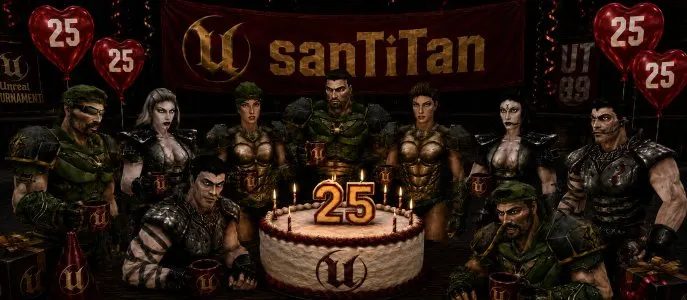
“25 years of SanTiTan” party picture with UT fighters and a cake
25 years of SanTiTan – celebrated on 19 Jul 2026

for every path

Join the Discord

“Everyone is very welcome”

from the news “SanTiTan goes Discord – UT99 boomers rediscover the internet” of 27 Feb 2026

That is where the next UT evening is agreed and the server IP is shared. Old stories come free of charge.

Join Discord

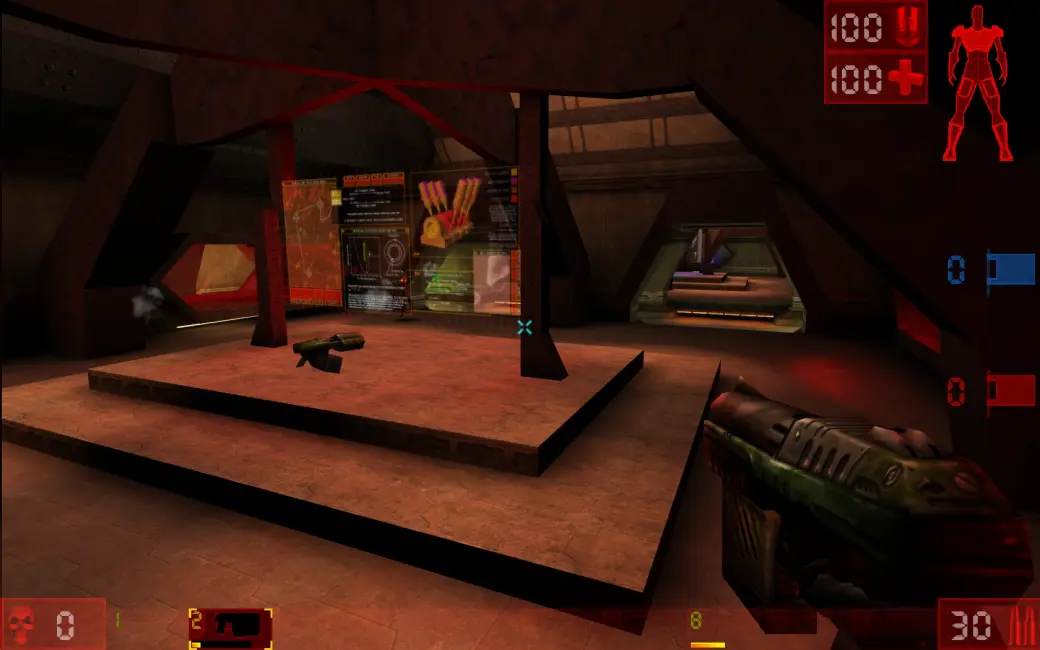
Scene from Unreal Tournament with HUDFinal469e · 11 Nov 2025RC469f · RC6 of 17 Oct 2026

for paths 1 and 3

Bring your old install up to 469

  1. Back up your UT folder – whether old CD, Steam or GOG.
  2. Patch on top: extract the patch archive over the installation, or run the patch exe on Windows.
  3. After updating to 469f: delete old NPLoader and ACE files from System.
  • Final469e of 11 Nov 2025
  • RC469f – RC6 of 17 Oct 2026, according to OldUnreal “stable and compatible with the most recent versions of ACE”

469 is network compatible down to version 432, old UnrealScript mods keep working. Patch releases on GitHub

New since back then: D3D11, Vulkan (much faster in 469f) and Metal renderers, Hor+ field of view by default (469f), raw input, borderless window against alt-tab trouble, far higher frame rates and 64-bit Windows from 469f.

CD lost, Steam key gone?

No problem – UT is legal and free via the official installer.

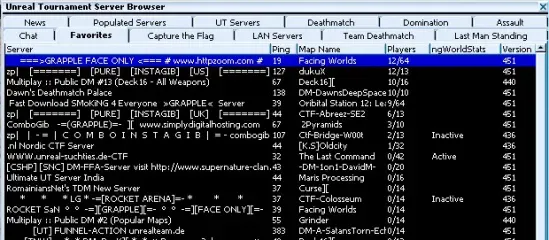
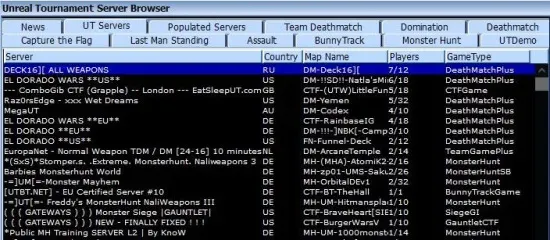
The Unreal Tournament server browser with a list of servers

for every path

Check the server browser

With 469 everything is preconfigured. If the browser stays empty: Options › Preferences › Network › Update/Fix Network Settings, then F5.

Problem? Ask in the forum

Path 2 · New to UT · 5 steps

New to UT? Welcome to the cuddle clan.

Unreal Tournament is from 1999, looks like it and is still more fun than most of today’s games. Five steps and you are ready.

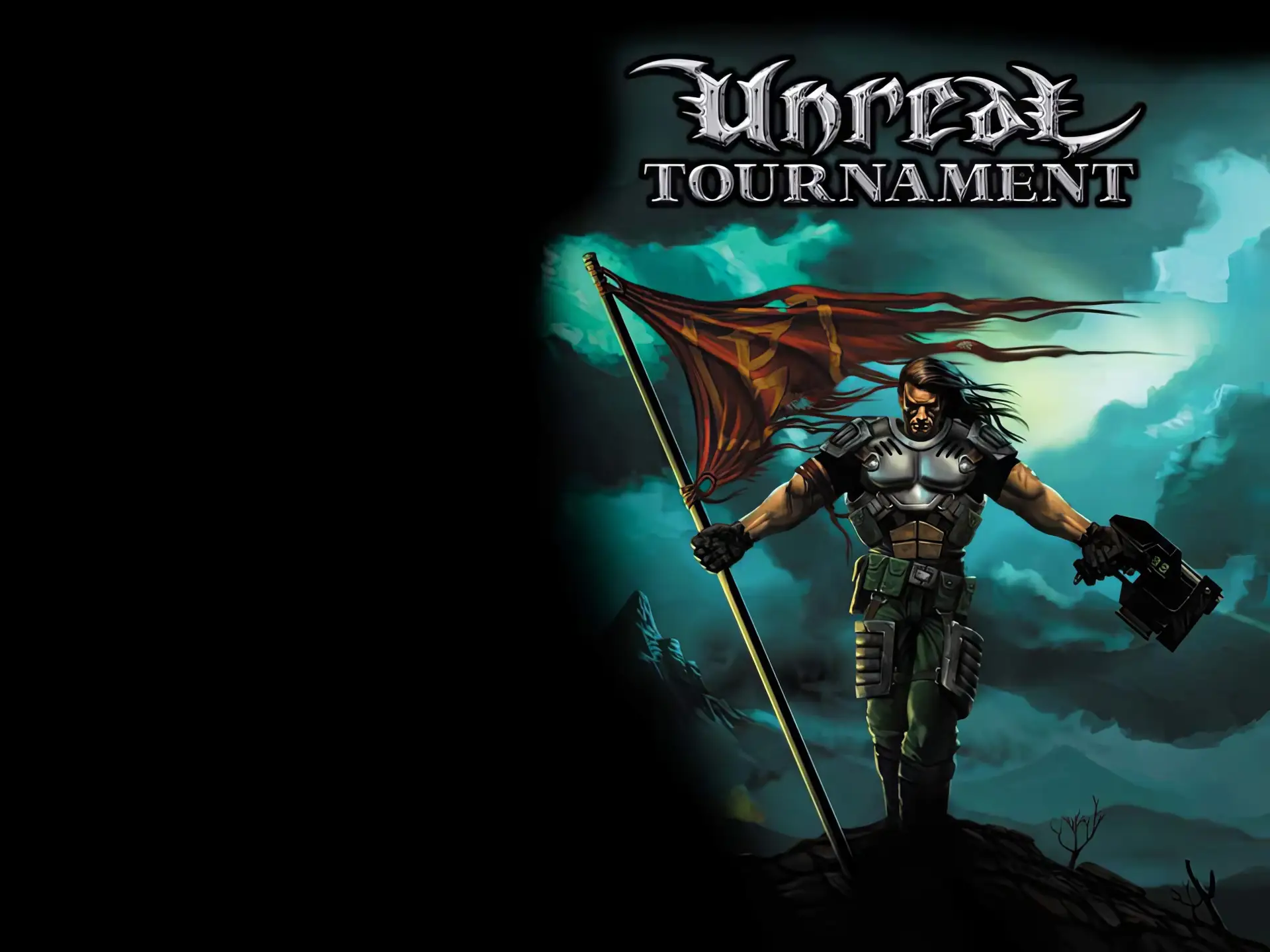
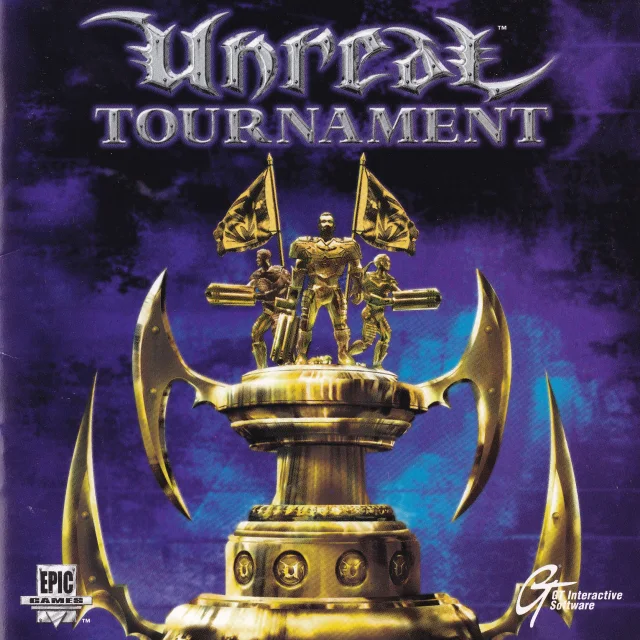
Unreal Tournament – original cover of the 1999 US CD
Original cover of the 1999 US CD

for path 2

Why it is legal and free

  • Epic removed UT GOTY from Steam on 14 Dec 2022, from GOG on 23 Dec 2022, and switched off the online services on 24 Jan 2023. Purchased copies stay in your library and remain playable.
  • OldUnreal has maintained the code with Epic’s permission since 2019 – “approved by Epic Games, but not an official Epic project”.
  • Epic on 14 Nov 2024: “Unreal 1 and Unreal Tournament are available on archive.org and people are free to independently link to and play these versions.”
  • The official installer downloads the GOTY ISO approved by OldUnreal. Private, non-commercial use only; Epic’s terms of service apply.

That is why we only link to the official installer and do not host an ISO ourselves.

Sources: oldunreal.com · FullGameInstallers on GitHub · Epic quote on GamingOnLinux · Epic announcement of 14 Dec 2022

Windows · official installerUT_GOTY.exeapprox. 45 MB download · approx. 1.3 GB installed · English onlyDownload

for path 2 · path 1 without CD

Install

About 1.3 GB of disk space. All installers come from OldUnreal and are English only.

Windows

  1. Accept Epic’s terms.
  2. Target folder: keep the default C:\UnrealTournament, not “Program Files” – the game needs write access.
  3. The ISO is downloaded (OldUnreal mirror, archive.org as fallback) and checked via MD5.
  4. Bonus Pack 4 and the latest patch are installed automatically.
  5. Preconfigured ini, VC++ and DirectX runtimes.
  6. Optional shortcuts and unreal:// links.

Info page at OldUnreal

Linux

install-ut99.sh or install-ut99.desktop from the Linux folder:

bash install-ut99.sh
  • Target: ~/.local/share/OldUnreal/UnrealTournament
  • Needs bash, coreutils, jq, tar, 7zip, curl or wget
  • amd64, arm64 and x86
  • AUR: unreal-tournament-bin

macOS, including Apple Silicon

  1. Install the game data with OldUnreal-UT99Installer-macOS.zip.
  2. Move the app from OldUnreal-UTPatch469…-macOS.dmg to “Applications”.
  3. Renderer: Frucore (Metal).
  4. Raw input needs “Input Monitoring” in the system settings.

Steam Deck

  1. Switch to desktop mode.
  2. Linux method 1: run install-ut99.desktop.

UT already installed from CD, Steam or GOG? Back up the folder, patch on top – see path 1.

Scene from Unreal Tournament with HUDFOVHor+, 90RendererD3D9 · OpenGL · VulkanWindowborderless against alt-tab
In game: the installer already sets the important knobs right.

for paths 2 and 3

Basic settings

The installer sets up almost everything. These are the knobs you can turn:

Renderer
The installer sets D3D9, the patch default is OpenGL. Vulkan deserves a second try with 469f, on a Mac use Frucore.Console: TRYRENDERDEVICE
Resolution
Installer: 1280×720. Against alt-tab problems use a borderless window:SETSCREENMODE BORDERLESS
Field of view
Hor+ is the default from 469f, the installer sets DesiredFOV=90.
Netspeed
DSL/fibre: 20000–25000, e.g. netspeed 20000. More does not help if the server caps it.
Mouse
Raw input without Windows acceleration is the default.
FPS limit
In the menu, 0 = unlimited. Since 469a the game no longer runs too fast above 200 FPS.
German texts
unverified Text translation since 469c, speech stays English. In System\UnrealTournament.ini under [Engine.Engine] change Language=int to det.
Anti-cheat
ACE (currently v1.4g) only runs on servers – you install nothing, the game may ask. ACE at OldUnreal

Something not working? Ask in the forum – or see path 3 “Still not working?”.

The Unreal Tournament server browser with a list of servers
“Find Internet Games” – the in-game server browser

for every path

First servers

With 469 and the installer everything is preconfigured: start the game, “Find Internet Games”, pick a server. The master server list has updated itself automatically since 469d.

Live from 333networks, as of 16:01. Busy right now:

Connect directly via the console: open IP:Port. Web list: master.333networks.com/s/ut and our server browser.

Path 3 · Already installed · 6 steps

UT already runs? Then off to the servers.

Since Epic switched off the online services on 24 Jan 2023, the browser of old installations stays empty. Here is how to fix that.

The Unreal Tournament server browser with a list of servers

for paths 1 and 3

Master server fix

With patch 469 and the installer everything is preconfigured; the master server list has updated itself automatically since 469d.

Browser still empty? Options › Preferences › Network › Update/Fix Network Settings, then F5 in the server browser.

No 469 yet? Final is 469e (11 Nov 2025), release candidate 469f RC6 (17 Oct 2026). Back up the folder, patch on top: patch releases.

for path 3

ini block for old installs

Maintaining your own installation? Enter the section like this in System\UnrealTournament.ini – indices without gaps, starting at [0]:

[UBrowserAll]
ListFactories[0]=UBrowser.UBrowserGSpyFact,MasterServerAddress=master.333networks.com,MasterServerTCPPort=28900,GameName=ut
ListFactories[1]=UBrowser.UBrowserGSpyFact,MasterServerAddress=master.errorist.eu,MasterServerTCPPort=28900,GameName=ut
ListFactories[2]=UBrowser.UBrowserGSpyFact,MasterServerAddress=master.openspy.net,MasterServerTCPPort=28900,GameName=ut
ListFactories[3]=UBrowser.UBrowserGSpyFact,MasterServerAddress=master.oldunreal.com,MasterServerTCPPort=28900,GameName=ut
ListFactories[4]=UBrowser.UBrowserHTTPFact,MasterServerAddress=lists.gameserverlister.com,MasterServerTCPPort=80,MasterServerURI=/ut-servers.txt
bFallbackFactories=False

More in the OldUnreal master server guide.

The Unreal Tournament server browser with a list of servers
“Find Internet Games” – the in-game server browser

for every path

Server browser & web list

Browse without the game: master.333networks.com/s/ut or our server browser on santitan.de. Connect directly via the console:

open IP:Port

Live from 333networks, as of 16:01. Busy right now:

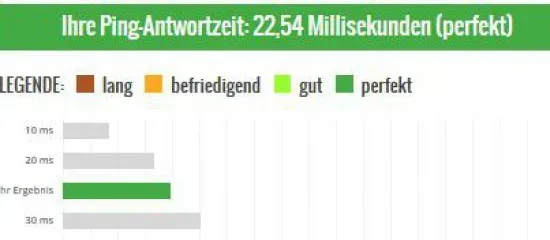
Ping test showing 22.54 milliseconds

for paths 2 and 3

Netspeed

For DSL or fibre 20000–25000. More does not help if the server caps it.

netspeed 20000

for every path

Still not working?

Crash
The recovery dialog offers safe mode or another renderer. Do not install to “Program Files”. After 469f delete old NPLoader/ACE files from System.
Renderer
Installer: D3D9, patch default: OpenGL, Vulkan deserves a second try with 469f, Mac: Frucore. Switch with TRYRENDERDEVICE.
Alt-tab
Borderless window: SETSCREENMODE BORDERLESS. Installer resolution: 1280×720.
Field of view
Hor+ is the default from 469f, installer: DesiredFOV=90.
Mouse & FPS
Raw input without Windows acceleration. FPS limit in the menu (0 = unlimited), no more turbo above 200 FPS since 469a.
Mac
Raw input needs “Input Monitoring”.
Windows 7
Install the VC++ runtime first.
ACE
Anti-cheat v1.4g only runs on servers, you install nothing.
German
unverified German texts since 469c: [Engine.Engine] Language=det instead of int.
Still stuck?
Post your problem in the forum – with operating system, patch version and error message. For patch questions ut99.org helps as well.
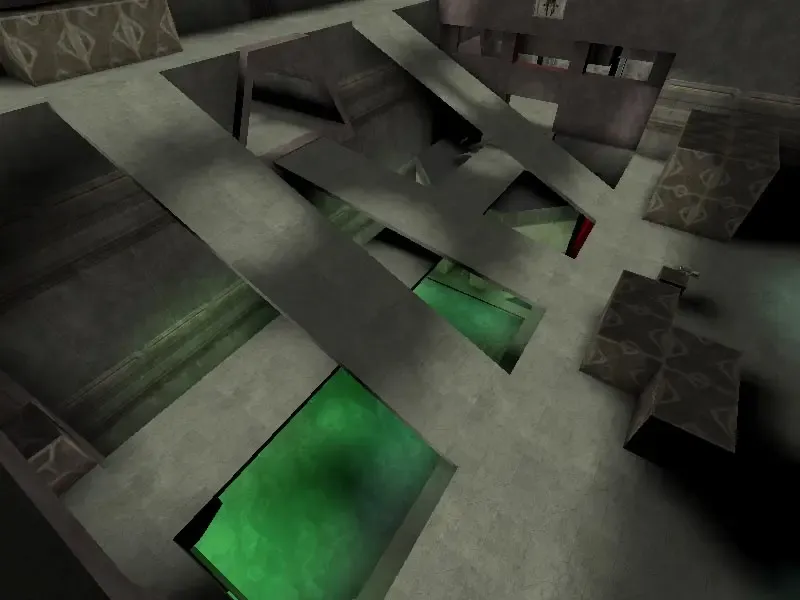
The map DM-Deck16][
DM-Deck16][ – the map from the start command

Bonus · for server admins

Bonus: your own server

UCC.exe server DM-Deck16][?game=Botpack.DeathMatchPlus ini=UnrealTournament.ini log=server.log

Linux: System/ucc-bin server … with the same parameters.

Ports: UDP 7777 (game), 7778/7779 (query), 8777 (LAN query), outgoing UDP 27900 / TCP 28900 to the master. Web admin TCP 8080, off by default.

For every path

Playing together

We play CTF, TDM, Assault and FFA – dates are agreed on Discord.

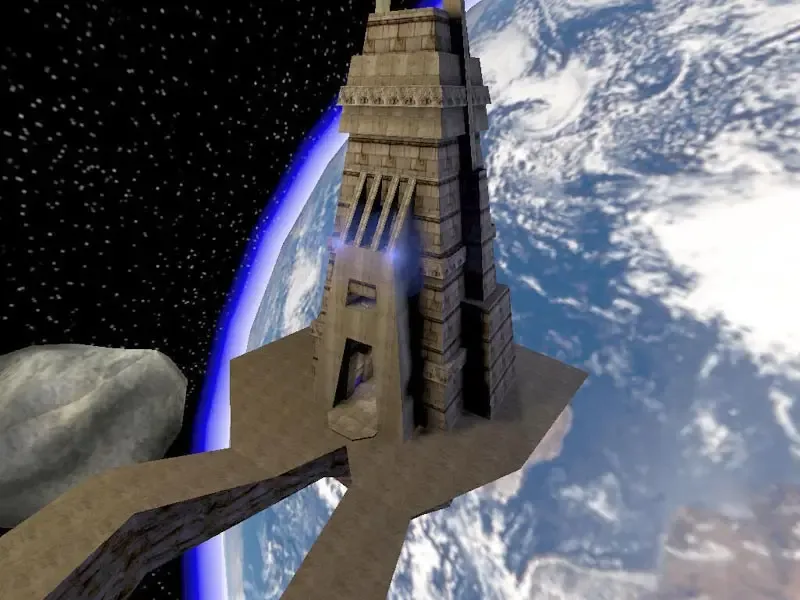
CTFCapture the Flag · pictured: CTF-Face
TDMTeam Deathmatch · pictured: DM-Deck16][
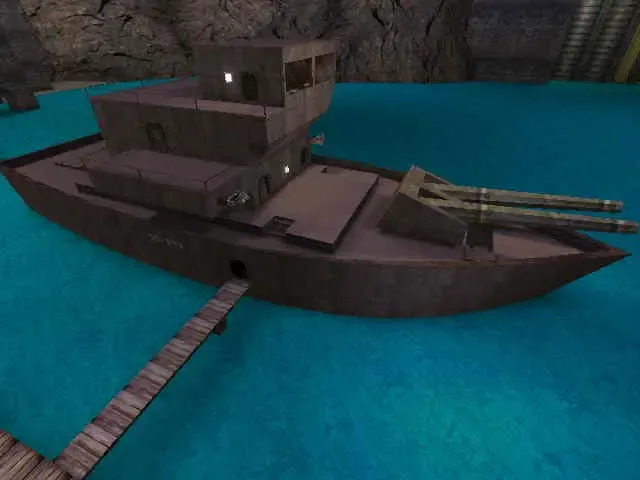
AssaultAttack & defend · pictured: AS-Frigate
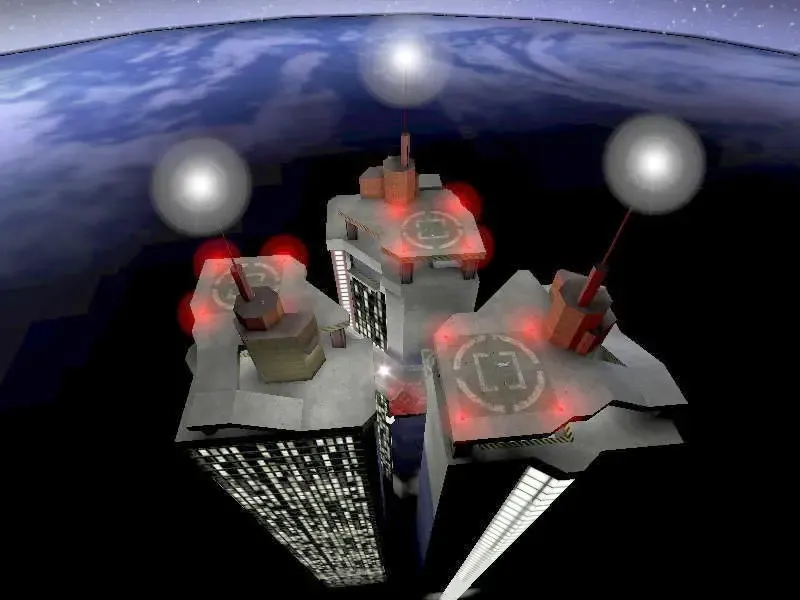
FFAFree for all · pictured: DM-Morpheus
SanTiTan Discord

“Everyone is very welcome”

from the news of 27 Feb 2026. Meeting point for every UT evening – that is where the server IP is shared. Lousy players, but world champions in spamming.

Join Discord

Clan leaders

Questions? Drop by on Discord.

Want to be a regular again or join for the first time? Talk to the clan leaders on Discord.

Tech trouble?Help with problems

Ask in our forum – the old hands are happy to help.

Go to the “Unreal Tournament” forum

For anything around patch 469, the ut99.org forum and the OldUnreal Discord help as well.

ut99.orgOldUnreal-Discord

Sources · as of 20 Oct 2026Further reading

Visitors Yesterday 0 Month 494 Views 682 Total 6,636